Double Exposure Portrait
Prompt
Create a double exposure effect combining this portrait with a nature or cityscape silhouette. The subject's face and profile should be the primary shape, with trees, mountains, city buildings, or a forest scene filling the silhouette. Style: artistic double exposure — the face is visible as a translucent overlay, with the secondary image (nature/city) visible through and within the face shape. The two images should blend seamlessly at the edges. Color palette: muted, desaturated — soft blues, grays, and one accent color (warm gold or teal). Background: clean white or light gray to make the double exposure pop. Keep the face recognizable. Output: 4:5 vertical, fine art photography, gallery quality.
How to use
- 1
Choose a profile or 3/4 view portrait — silhouettes work best for double exposure.
- 2
Upload to Gemini or ChatGPT and paste the prompt. Specify the secondary image: 'filled with a pine forest at sunset' or 'filled with Tokyo cityscape at night'.
- 3
Generate. If the blend is too subtle, add 'strong contrast between face shape and internal image'.
Example Output
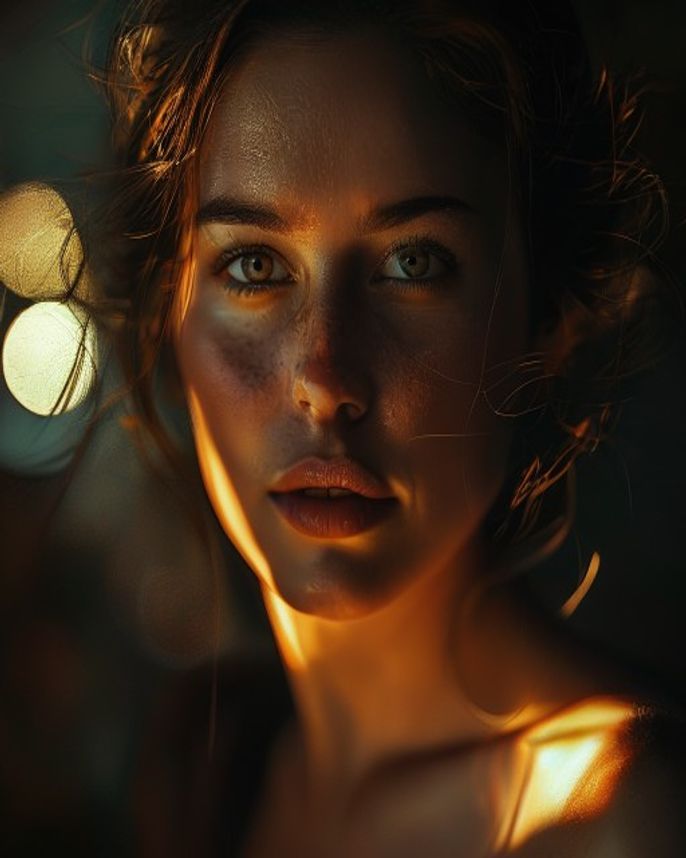
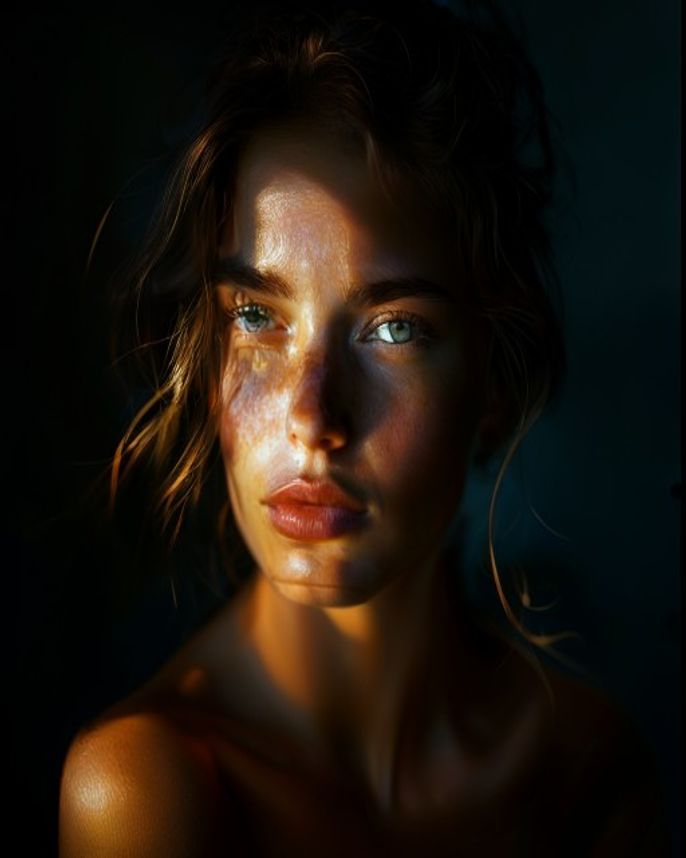
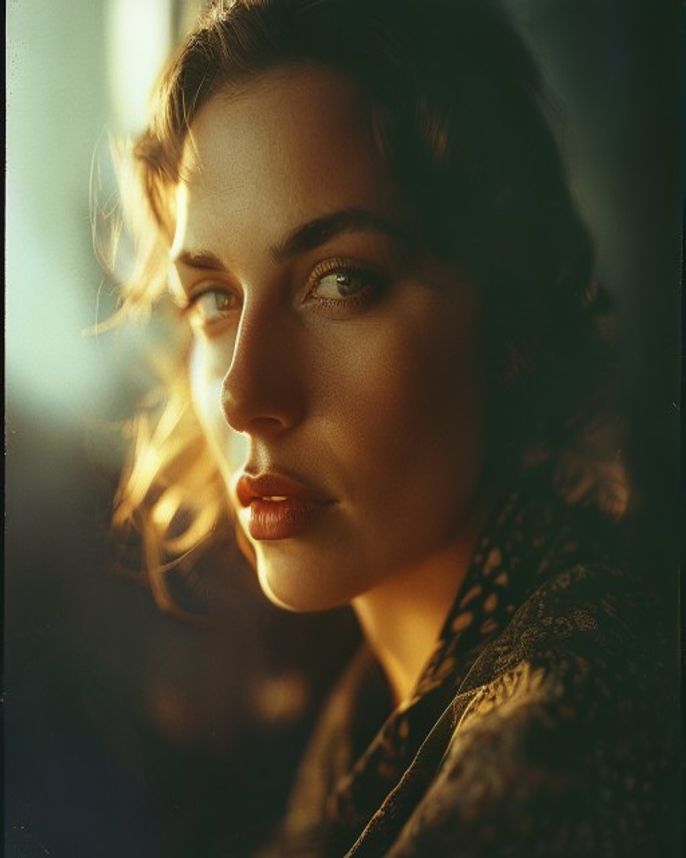
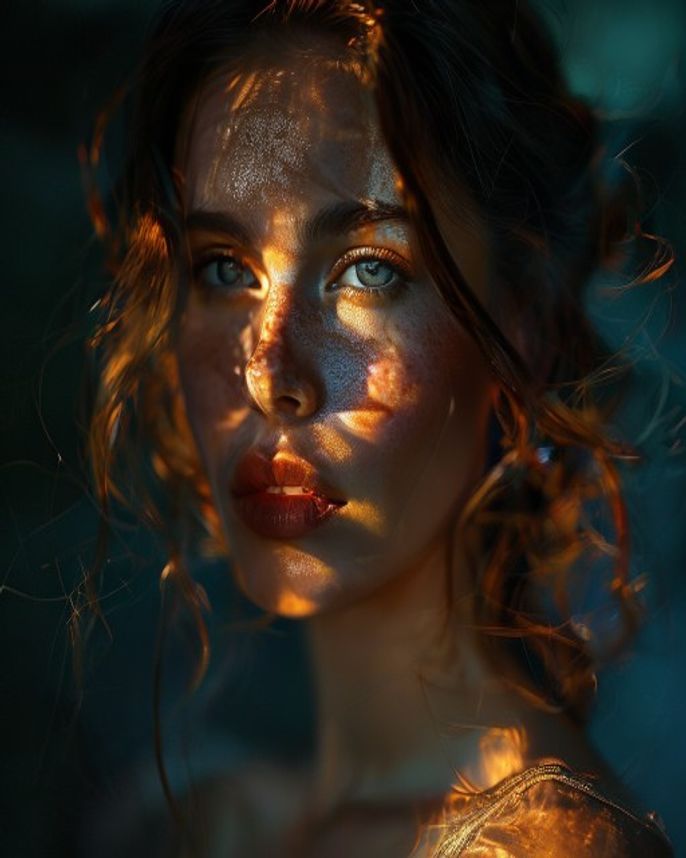
Original reference image is not available for this prompt yet.
FAQ
What silhouette works best?
Side profiles create the most dramatic double exposures. Front-facing portraits work too but the effect is more subtle.
Can I use a specific image for the overlay?
You can upload two images in Gemini and describe how they should blend. The prompt guides the style.