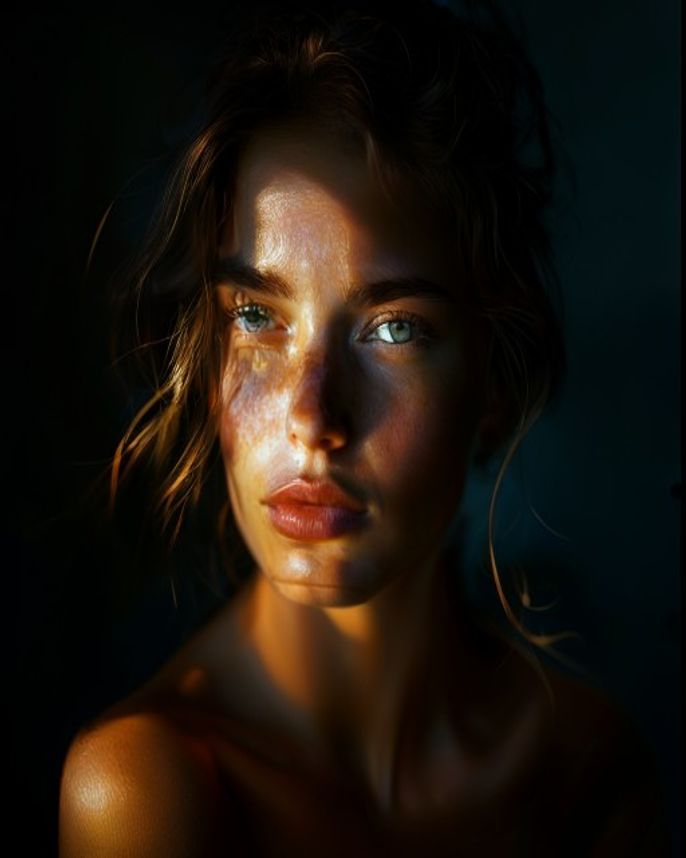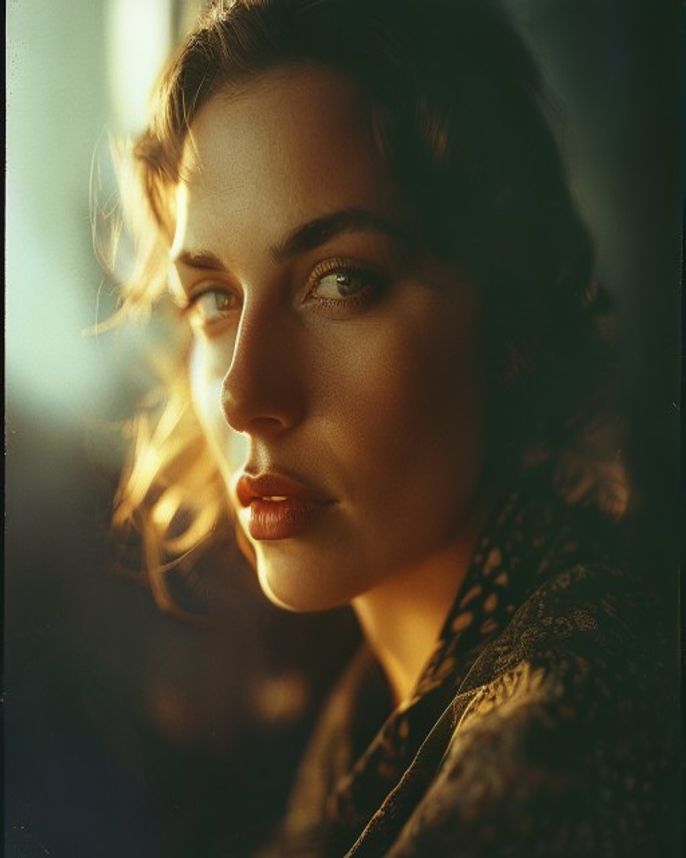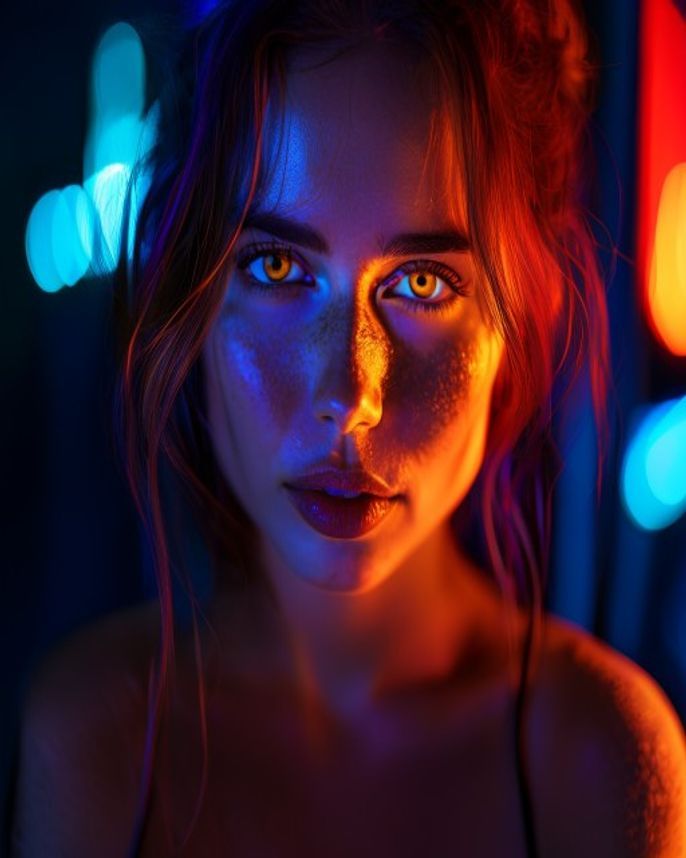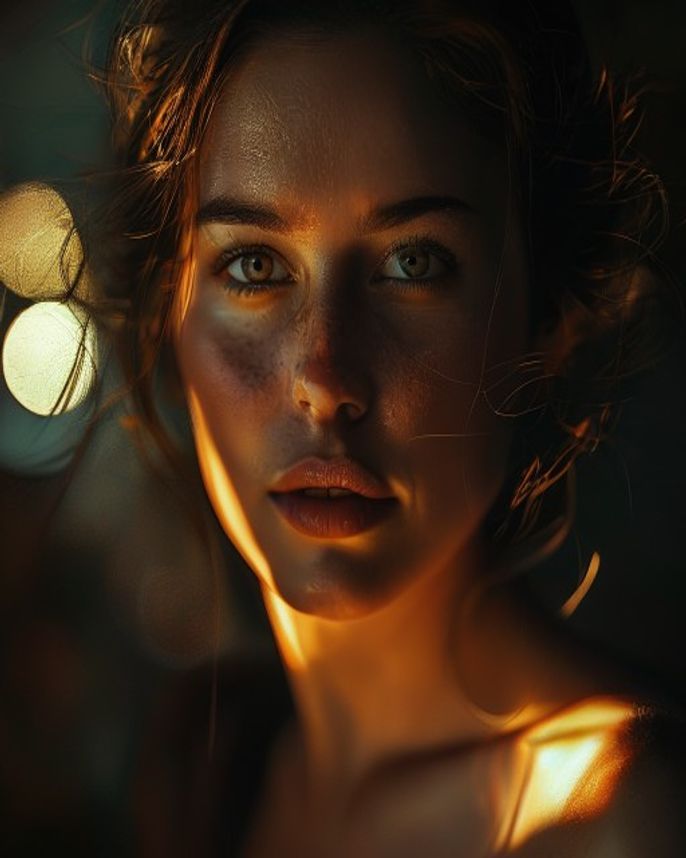
Cinematic Portrait Edit
Prompt
Transform this portrait into a cinematic film still. Apply a teal-and-orange color grade: push shadows toward teal/cyan, highlights toward warm orange/amber. Add a subtle anamorphic lens flare from a light source in the upper-right. Depth of field: very shallow, f/1.4 bokeh on the background, face tack-sharp. Add a fine 35mm film grain overlay. Vignette the edges slightly to draw focus to the face. Background: keep whatever is there but push it 2-3 stops darker and blur it significantly. Lighting: dramatic side light from camera-left, gentle fill from camera-right. Mood: intense, cinematic, like a frame from a Christopher Nolan film. Keep the face 100% unchanged. Output: 16:9 landscape or 3:2, ultra-detailed.
How to use
- 1
Pick a portrait with good directional lighting — side-lit photos work best.
- 2
Upload to Gemini or ChatGPT and paste the prompt.
- 3
Generate. For a different mood, try 'desaturated cold blue grade' instead of teal-and-orange.
Example Output
Original reference image is not available for this prompt yet.
FAQ
Does the original background matter?
Not much — the prompt darkens and blurs it significantly. But complex backgrounds add interesting bokeh shapes.
Can I get a specific film stock look?
Yes — add 'Kodak Vision3 500T film stock' for a classic cinema look, or 'Fujifilm Eterna' for cooler tones.