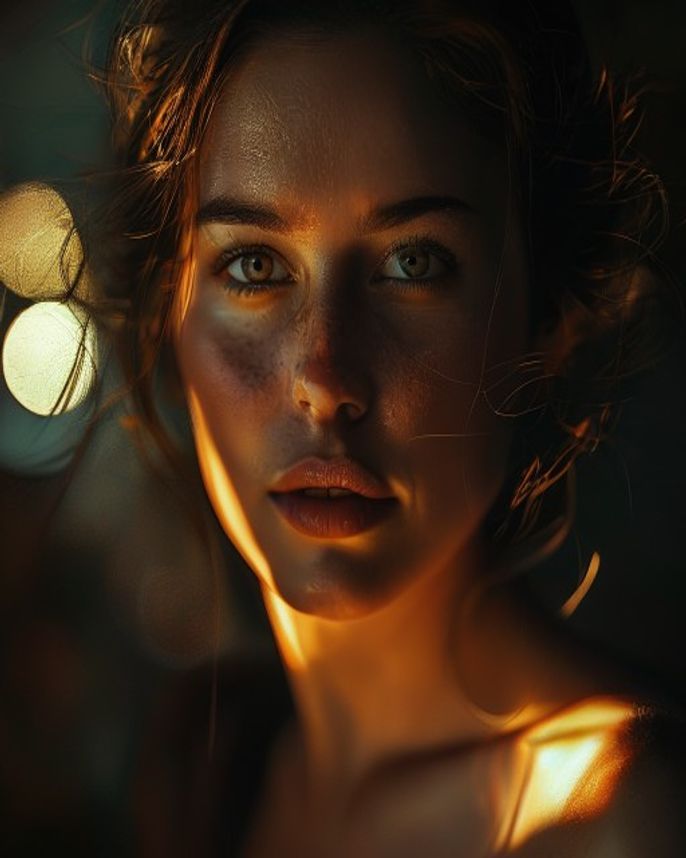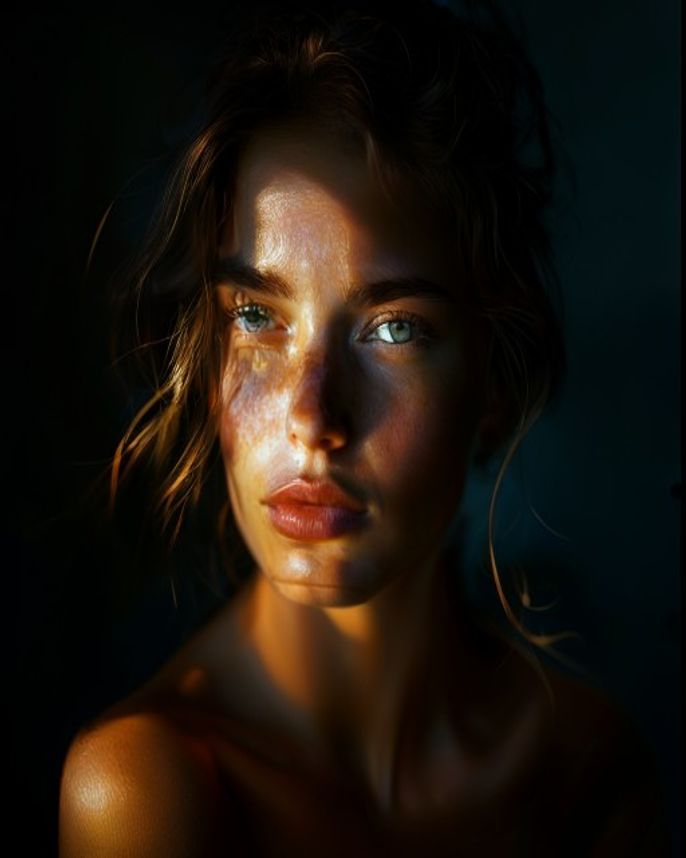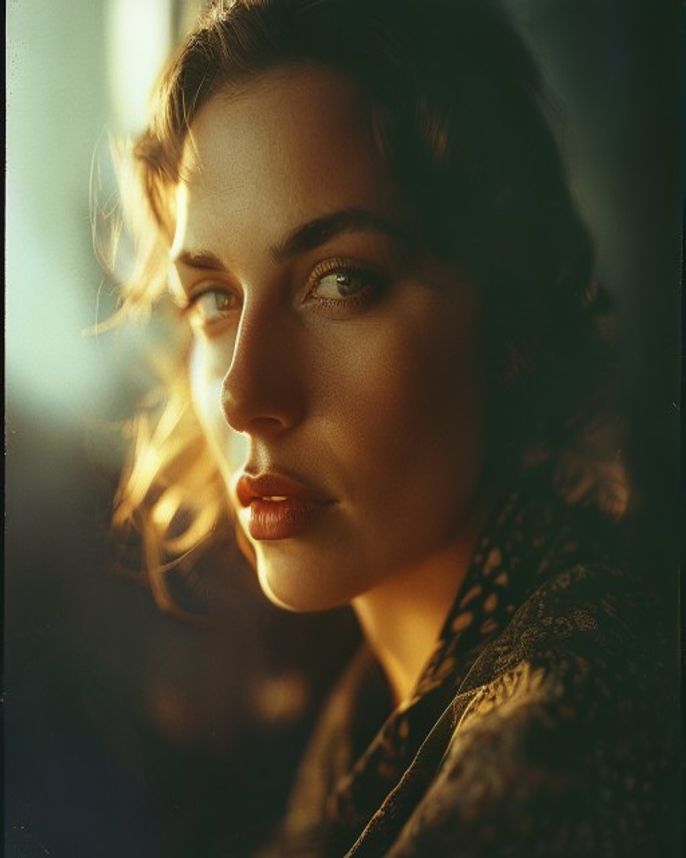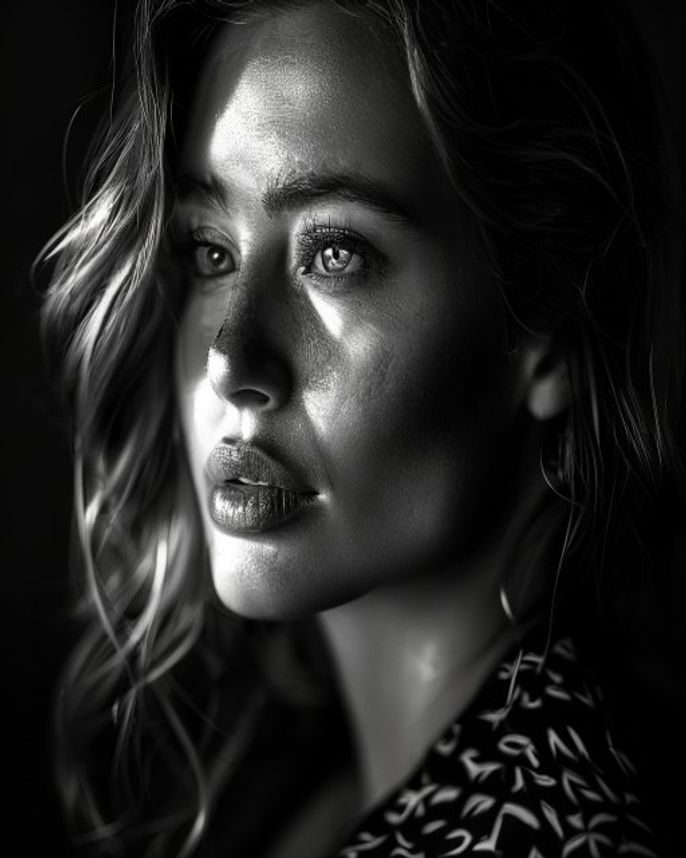
Black & White Artistic Portrait
Prompt
Convert this portrait into a high-contrast black and white fine art photograph. Style: dramatic chiaroscuro lighting with deep blacks and bright whites, minimal mid-tones. The light should come from a single source at roughly 90 degrees to the camera, creating strong shadows on one side of the face. The B&W conversion should emphasize: skin texture, facial structure, the play of light and shadow. Add a subtle silver gelatin print tone — very slight warm shift in the highlights, cool shift in the shadows. Background: pure black or very dark gray, eliminating all distractions. The face should emerge from darkness. Output: 4:5 vertical, gallery-quality fine art portrait, dramatic and powerful.
How to use
- 1
Choose a portrait with visible facial structure — cheekbones, jawline.
- 2
Upload to Gemini or ChatGPT and paste the prompt.
- 3
Generate. For a softer look, replace 'high-contrast' with 'soft low-contrast, lots of mid-tones'.
Example Output
Original reference image is not available for this prompt yet.
FAQ
Will skin imperfections show more in B&W?
Yes — B&W emphasizes texture. If that's a concern, add 'smooth skin slightly while preserving natural texture'.
Can I add a color tint?
Yes — add 'sepia tone' for a warm vintage feel, or 'cool selenium tone' for a blue-gray metallic look.