Queen Crown DP
Prompt
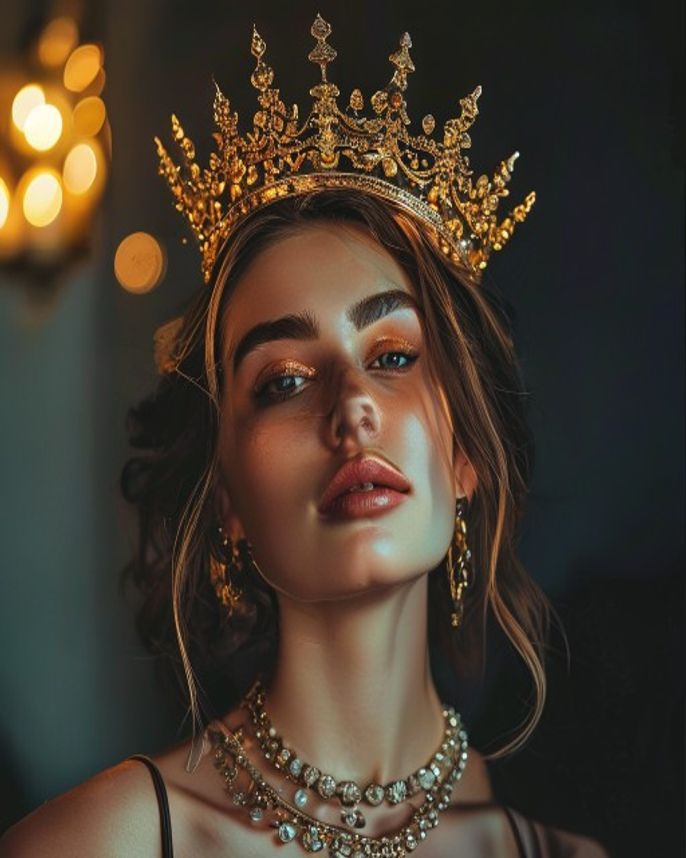
Transform this female portrait into a regal queen-themed 1:1 DP. Add an elegant tiara or jeweled crown with diamonds, emeralds, and pearls. Hair: styled in an updo or flowing waves with a jeweled hair piece. Clothing: off-shoulder gown in deep emerald green or royal blue with gold accents. Background: soft-focus palace interior with marble columns and golden accents. Lighting: soft glamour lighting, gentle rim light highlighting hair and crown sparkle. Expression: graceful, powerful, serene. Keep the face exactly as in the original. Output: 1:1 square, 1080×1080, ultra-detailed jewelry and fabric.
How to use
- 1
Choose a portrait with the face clearly visible and hair pulled back or to the side.
- 2
Upload to Gemini and paste the prompt.
- 3
Generate. For a different gown color, replace 'emerald green' with your preferred color.
Example Output
Original reference image is not available for this prompt yet.
FAQ
Will the crown look realistic?
Gemini handles jewelry well. If the crown looks flat, add '3D jeweled crown with depth and sparkle, catching light from multiple angles'.
Can I get a Bollywood queen look?
Yes — replace the prompt with 'Bollywood queen aesthetic, heavy kundan jewelry, maang tikka, lehenga choli, Indian palace background'.