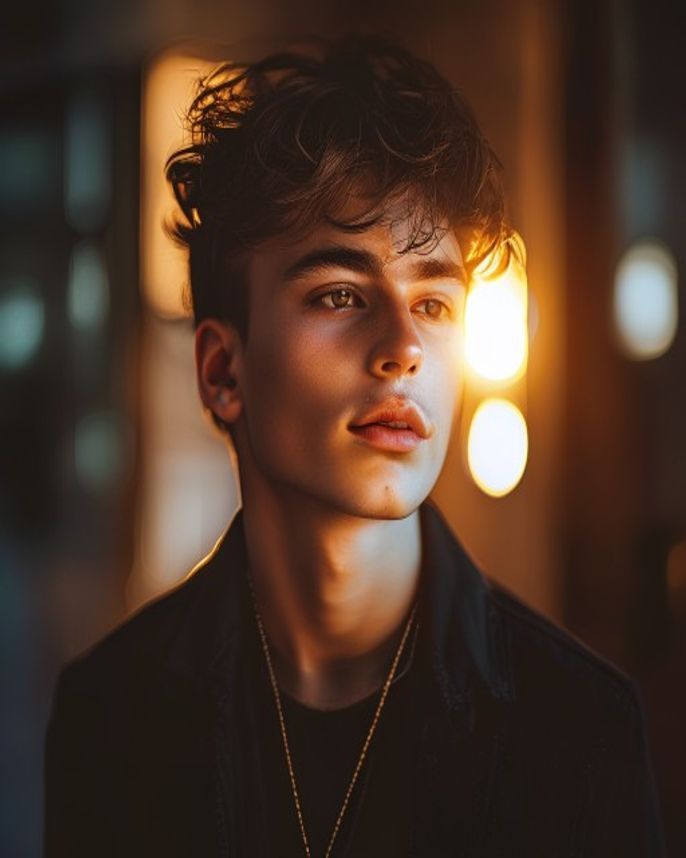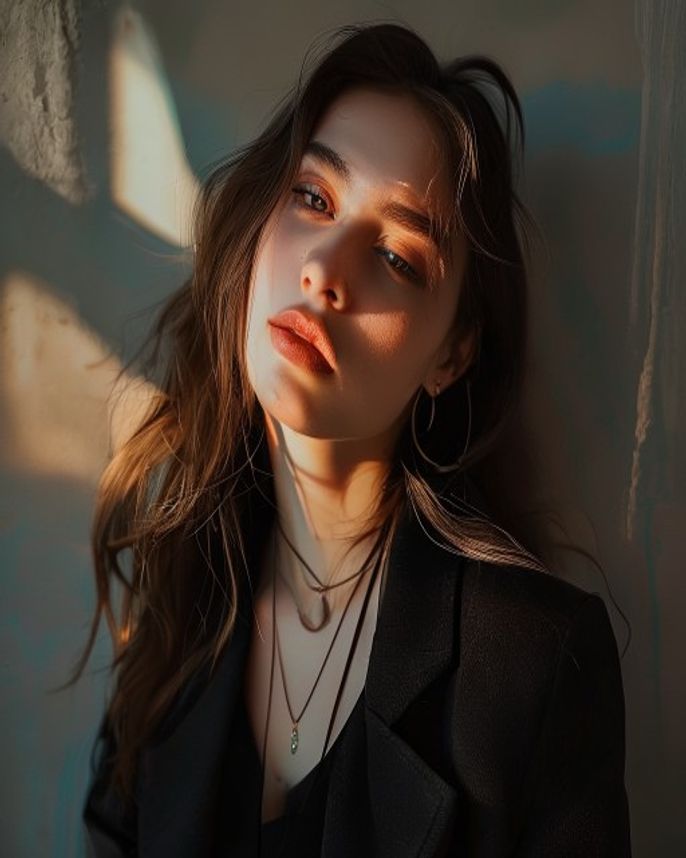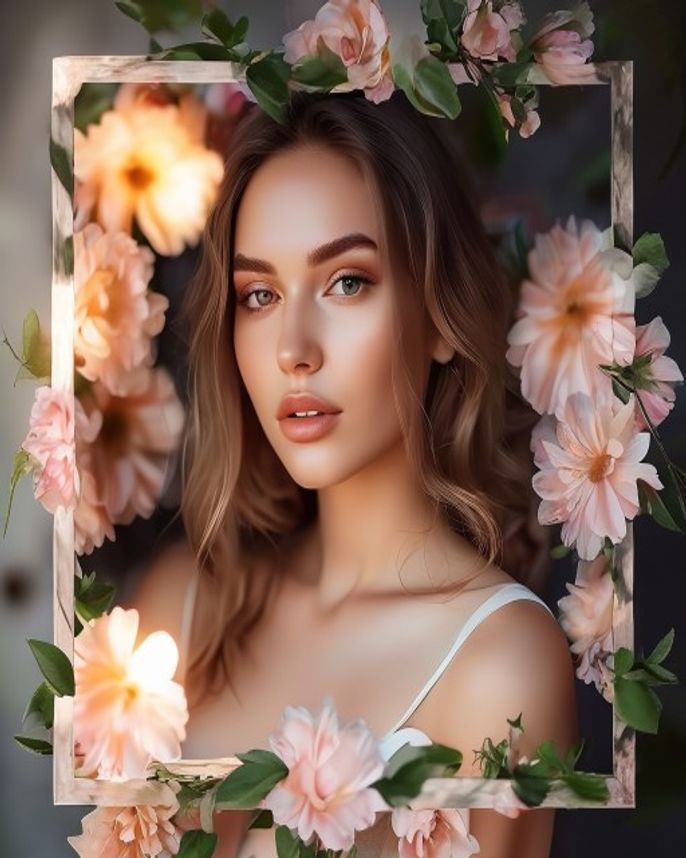
Aesthetic Flower Frame DP
Prompt
Transform this portrait into an aesthetic DP with a natural flower frame overlay. Place the subject in the center, surrounded by a delicate wreath of fresh flowers — roses, baby's breath, lavender sprigs, and small wildflowers. The flowers should form a soft oval frame around the face, slightly overlapping at the edges. Background: soft cream or light sage green, blurred to create depth. Lighting: soft diffused natural light, gentle warmth. Color grading: dreamy pastel tones, slight warmth, soft film grain. Keep the face exactly as in the original photo. Output: 1:1 square, 1080×1080, ultra-detailed petals and leaves.
How to use
- 1
Pick a portrait with a clean background or solid-colored clothing for best results.
- 2
Upload to Gemini and paste the prompt. Gemini handles floral overlays well.
- 3
Generate. If flowers are too dense, add 'sparse flower frame, minimal petals, breathing room around face'.
Example Output
Original reference image is not available for this prompt yet.
FAQ
What flowers work best?
Roses and baby's breath are most reliable. You can customize by replacing the flower names in the prompt.
Can I change the flower colors?
Yes — replace 'roses' with 'white roses' or 'pink peonies' for different aesthetics.