Romantic Sunset Couple Edit
Prompt
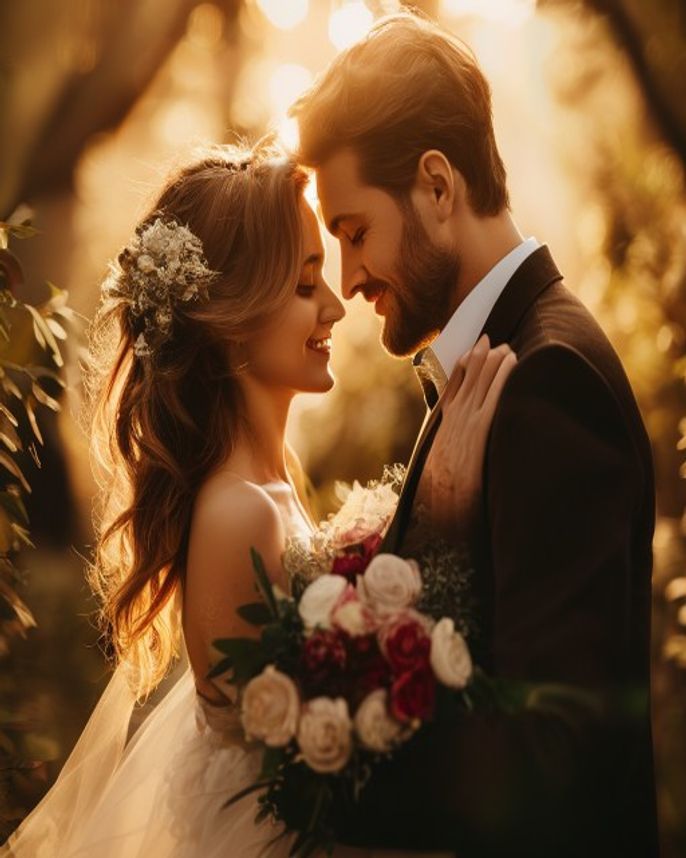
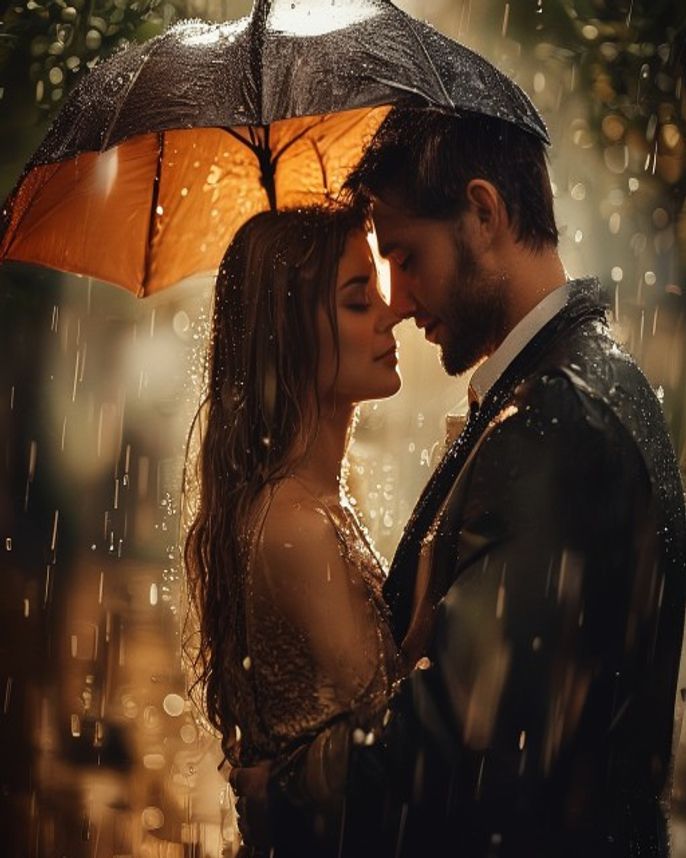
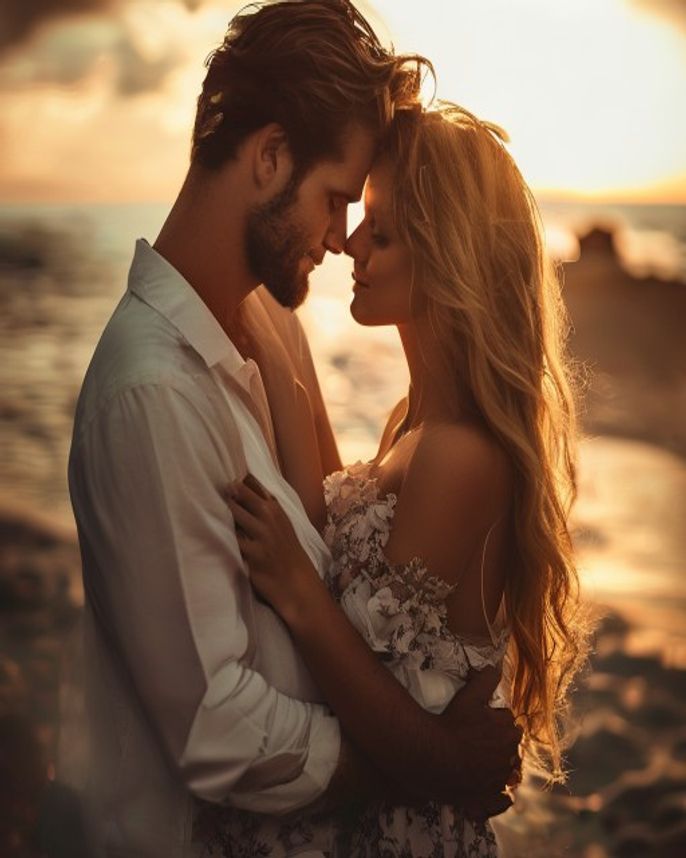
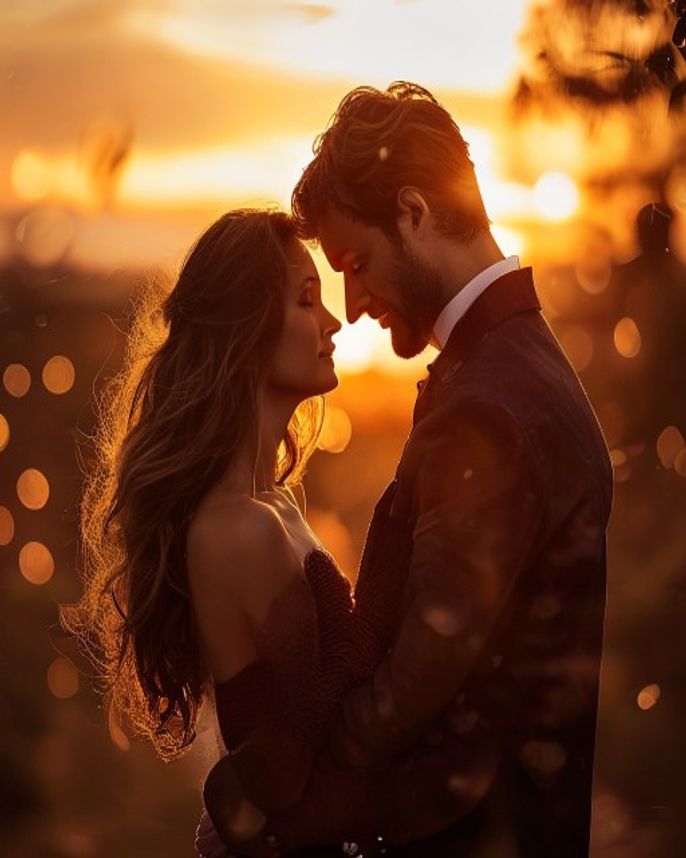
Transform this couple photograph into a cinematic golden-hour pre-wedding portrait. Place the couple on a quiet beach at sunset, with the ocean in soft focus behind them and gentle waves visible at the horizon. Sky: warm orange near the horizon transitioning through coral pink to soft lavender at the top, with thin streaky clouds catching the light. Add a subtle anamorphic lens flare from the upper-right corner — tasteful, not overpowering. Lighting: backlight the couple so the edges of their hair, shoulders, and any flowing fabric catch a warm rim glow; light the front of their faces with a soft, neutral fill so skin tones stay true. Add a gentle 35mm film grain and soft halation around bright highlights. Composition: keep both faces equally sharp, well-exposed, and at their original positions — do not change facial features, expressions, or proportions. Mood: intimate, romantic, cinematic, slightly nostalgic. Aspect ratio 3:2 landscape, ultra-realistic, photo quality.
How to use
- 1
Choose a couple photo where both faces are sharp, similar in height, and the couple takes up at least 40% of the frame.
- 2
Upload the image to Gemini (or PicsArt's AI Image feature) and paste the prompt below as the message.
- 3
Generate. If the sunset feels too orange, follow up with 'soften the sky toward pink and lavender' and regenerate.
Example Output
Original reference image is not available for this prompt yet.
FAQ
What if only one of us looks sharp in the result?
Re-run the prompt and append: 'make sure both subjects are equally sharp, equally lit, and at their original positions'. That usually balances it on the next pass.
Does this work for full-body shots?
Yes — works best on mid-shot to full-body framings. For tight head-and-shoulders, the beach background detail will look compressed.
Can I get a different time of day?
Replace 'golden-hour ... sunset' with 'blue-hour twilight' or 'overcast misty morning'. Keep the lighting and composition instructions intact.