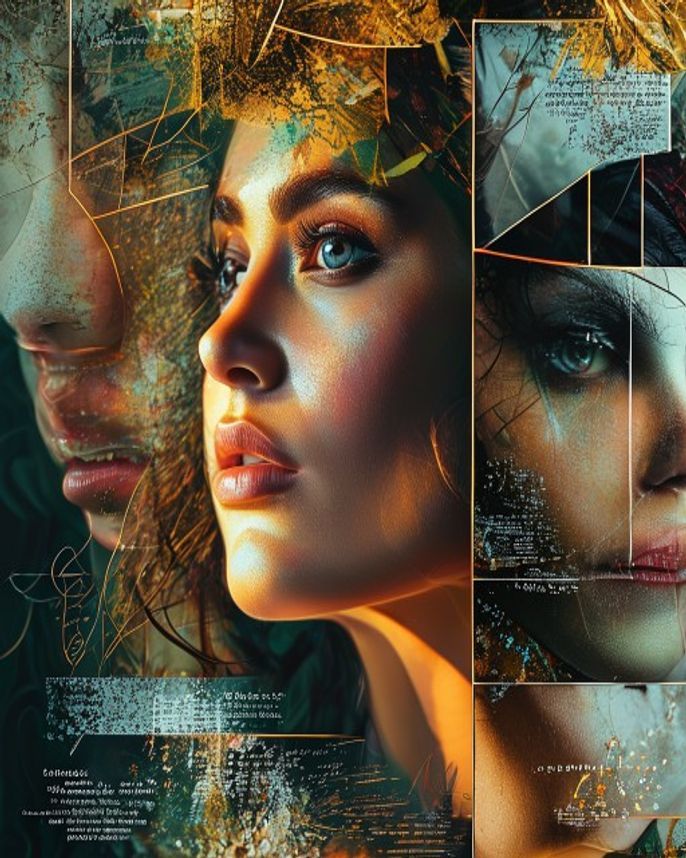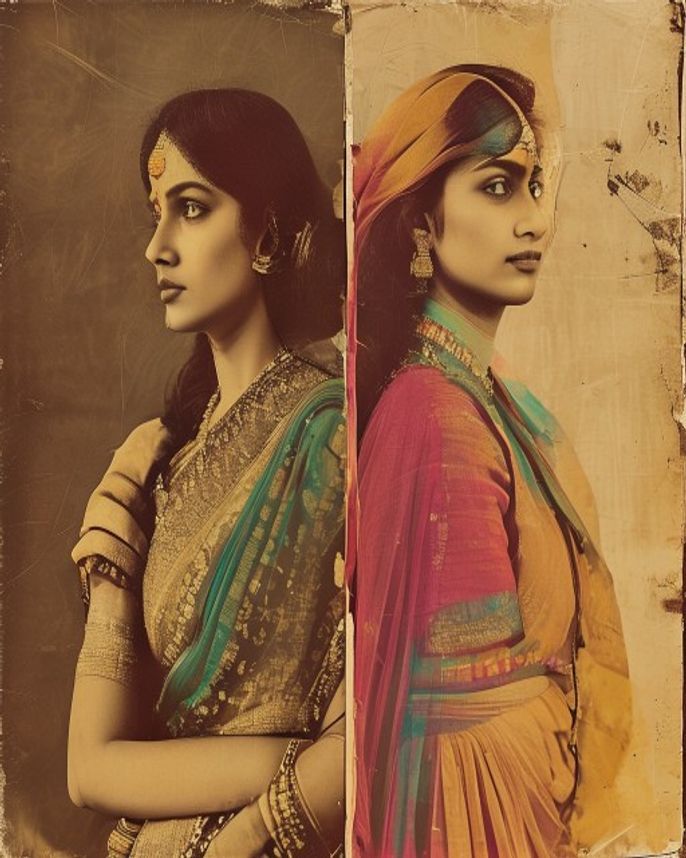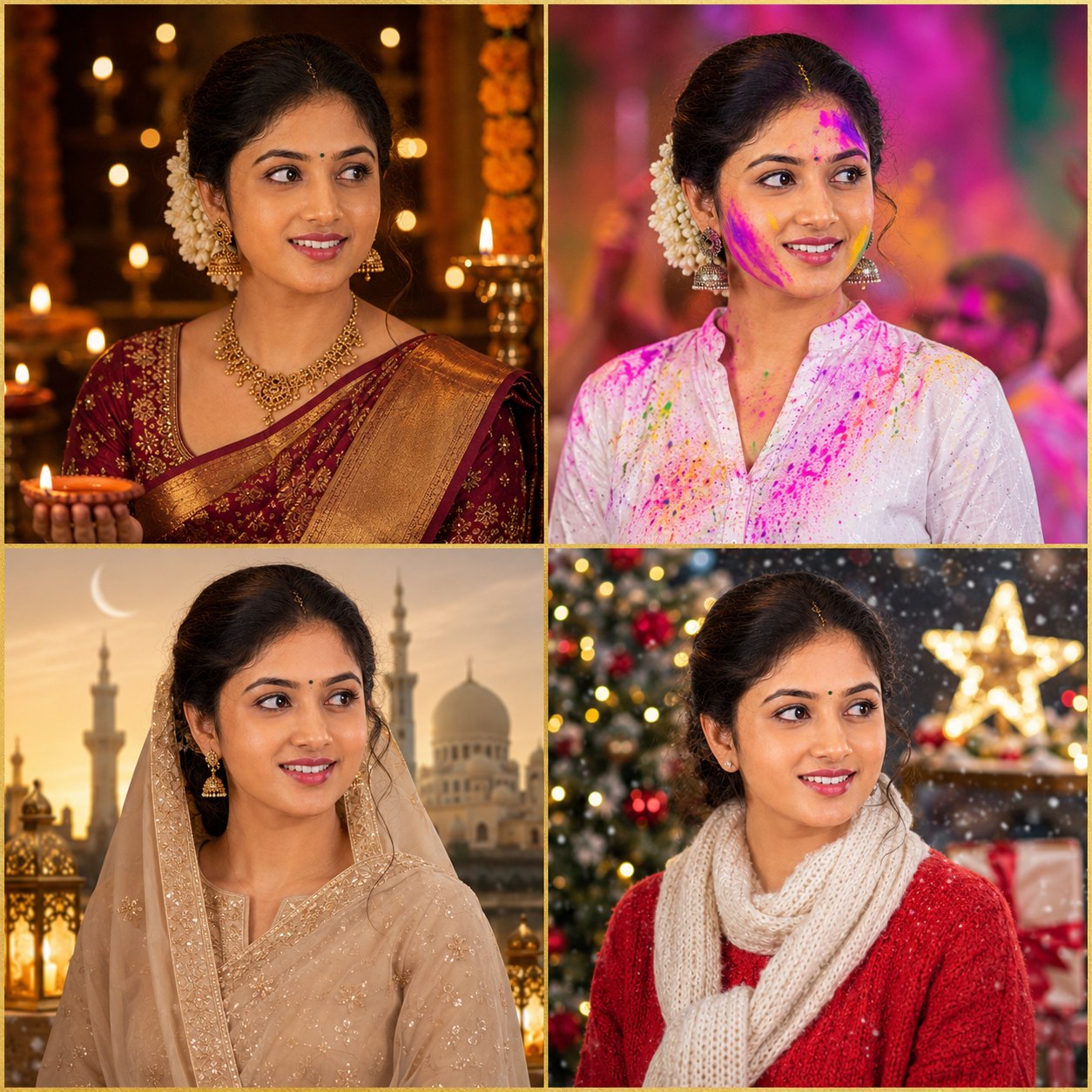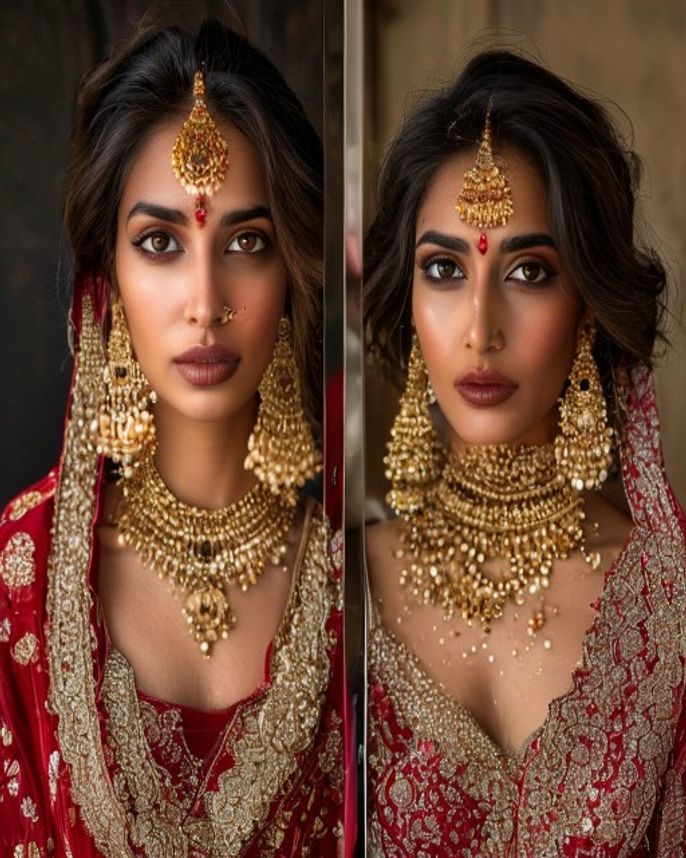
Before & After Transformation
Prompt
Create a stunning before-and-after AI transformation collage. On the left side, show the original photo in its natural state. On the right side, show the same person transformed with a dramatic AI edit — cinematic lighting, color grading, and enhanced mood. Add a thin vertical divider line between the two halves. Label: small 'BEFORE' text on the left, 'AFTER' on the right. The transformation should be dramatic but the person should be clearly recognizable in both versions. Suggested transformation: apply a cinematic teal-and-orange grade with golden hour lighting, shallow depth of field, and film grain to the 'After' side. Both halves should be the same size and framing. Output: 16:9 landscape (8:9 per half), clear split, Instagram carousel ready.
How to use
- 1
Choose a portrait that would benefit from lighting/color improvement.
- 2
Upload to Gemini or ChatGPT and paste the prompt.
- 3
Generate. If the split isn't clean, add 'perfectly vertical split at center, no blending between halves'.
Example Output
Original reference image is not available for this prompt yet.
FAQ
Can I choose a different transformation style?
Yes — replace the cinematic description with 'anime style', 'oil painting', 'neon cyberpunk', or any other dramatic style.
Will this work as an Instagram carousel?
The 16:9 output works for a single post. For carousel, generate each half separately at 4:5.