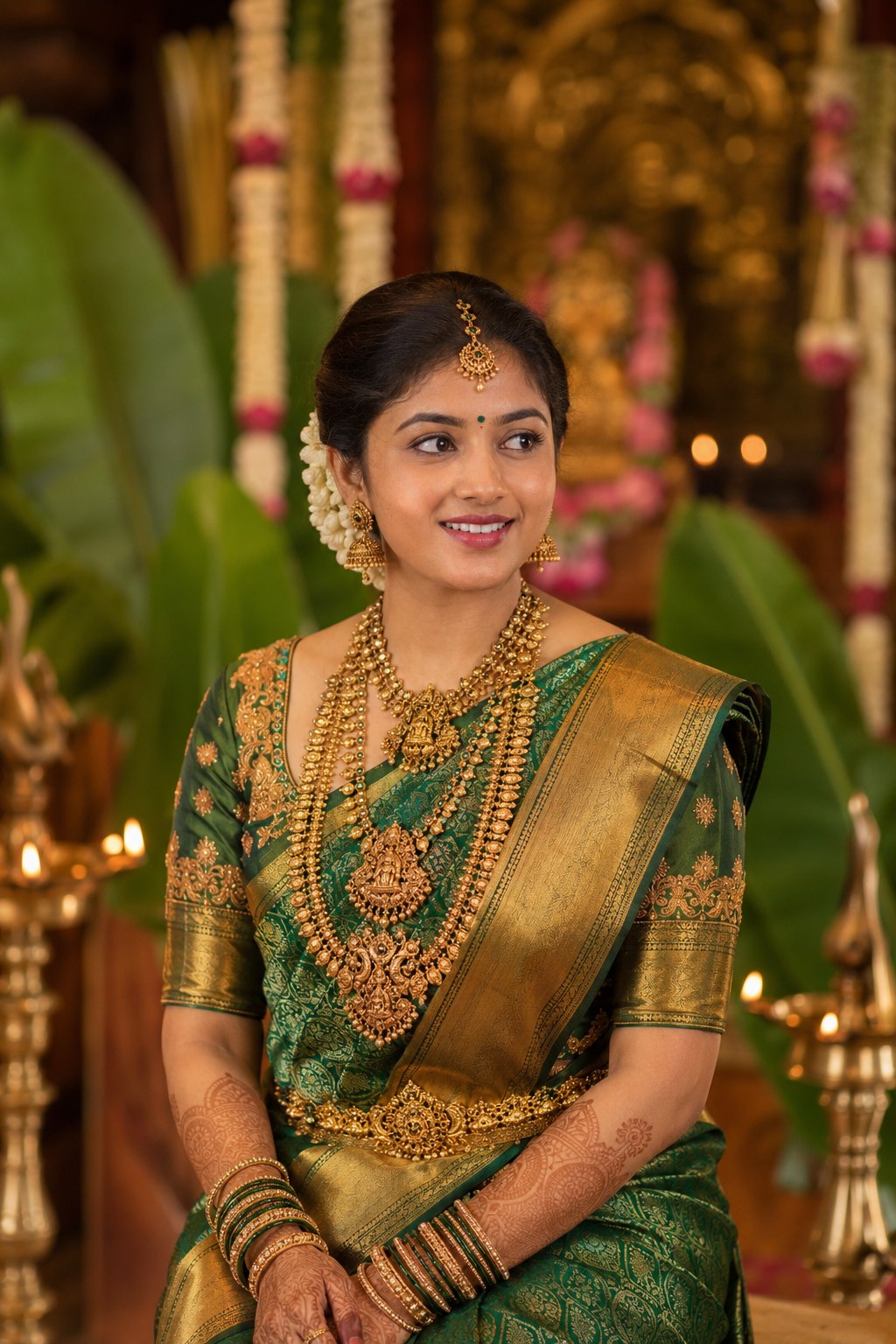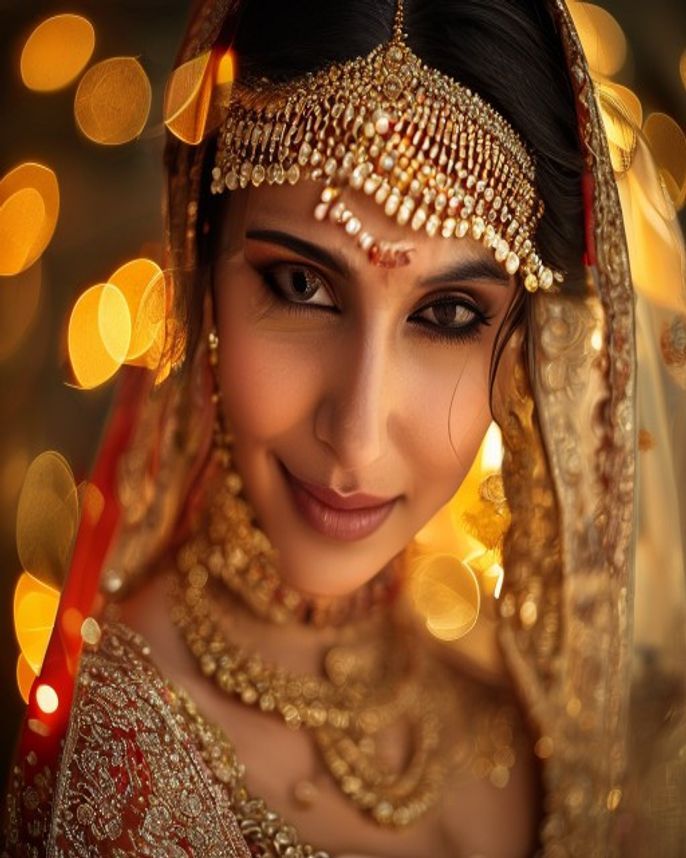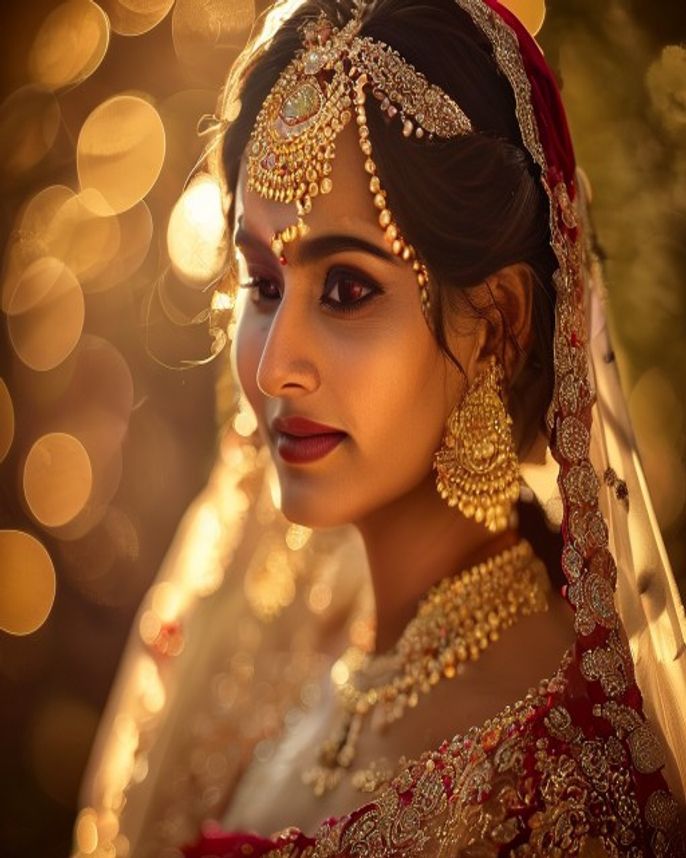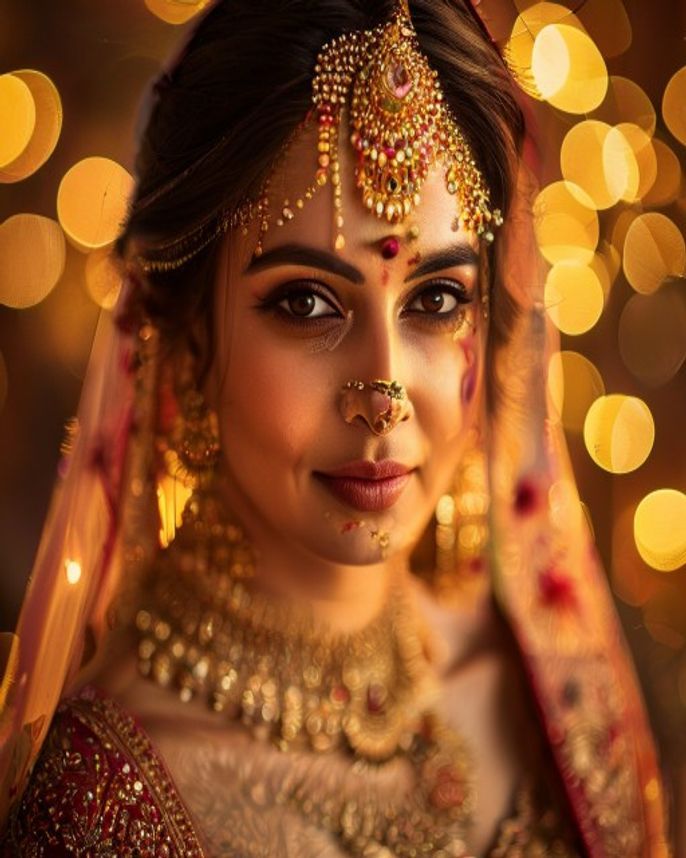
Royal Bengali Bride AI Edit
Prompt
Transform the subject in this photo into a Royal Bengali bride. Dress her in a deep red Banarasi silk saree with intricate gold zari embroidery and a heavy gold-bordered pallu draped softly over the head. Add complete traditional Bengali bridal jewelry: a wide gold sitahaar choker, kaan-pasha earrings, sankha-pola bangles (white-and-red) paired with gold churi, a mathapatti and tikli on the forehead, and a chained nath through the left nostril. Apply white sandalwood-paste chandan dot patterns on the forehead and cheeks, alta on the palms and fingertips, and a deep red bindi at the center of the forehead. Background: a softly lit Bengali wedding mandap at golden hour, with marigold and tuberose garlands, brass diya lamps glowing warmly, and gauzy red drapery in soft bokeh. Lighting: warm amber rim light from camera-right, soft cool fill from camera-left, gentle catchlights in the eyes. Critical: keep the subject's facial features, skin tone, and identity exactly as in the original photo — do not slim, sharpen, or otherwise alter the face. Output: photo-realistic, ultra-detailed, 8K, shot on 85mm portrait lens at f/1.8, vertical 4:5 frame.
How to use
- 1
Pick a clear, front-facing photo of the bride with even lighting and the face taking up at least one-third of the frame.
- 2
Open Gemini or ChatGPT (with image input enabled), attach the photo, and paste the prompt below as your message.
- 3
Generate. If the saree color isn't deep enough, reply 'make the red richer and the gold zari sharper' and regenerate once.
Example Output
Original reference image is not available for this prompt yet.
FAQ
Will this work with side-profile photos?
It works best with front-facing or 3/4 portraits. Strict side profiles tend to lose nath and tikli detail because the model can't see both sides of the face.
Can I change the saree color or fabric?
Yes. Replace 'red Banarasi silk' with your preferred combination, e.g. 'royal blue Kanjivaram silk' or 'ivory Kasavu cotton with gold border'. Keep the rest of the prompt as-is.
Why does my output sometimes look different from the example?
AI image models are non-deterministic — each run varies slightly. Generate 2–3 times and pick the best. Adding 'keep face 100% identical to reference photo' near the end helps lock identity.